Accessible Design: A Process
## Metadata
- Author: [[Gianna Legate]]
- Full Title: Accessible Design: A Process
- Category: #articles
- Document Note: ---
tags: [accessibility, web design, WCAG]
author: Gianna Legate
source: Human Made
reference: [https://humanmade.com/accessibility/accessible-design-a-process-2/]
date created: 2025-10-20 00:00
---
# 🏷️ Title: Accessible Design: A Process
## 🧭 Table of Contents
- [📝 Summary](#-summary)
- [📖 Main Content](#-main-content)
- [🗒️ Notes](#️-notes)
- [📚 References](#-references)
- [🗣️ Paraphrase](#️-paraphrase)
- [📰 Newsletter](#-newsletter)
- [✅ Action Items](#-action-items)
- [🧪 Hypotheses](#-hypotheses)
- [📊 Methodology](#-methodology)
- [❓ Questions](#-questions)
- [🔮 Future Research](#-future-research)
- [💡 Implications](#-implications)
- [🧠 Learning Styles Assessment](#-learning-styles-assessment)
- [📊 Accessibility Assessment](#-accessibility-assessment)
- [🌍 DEIB Assessment](#-deib-assessment)
- [✅ Logical Validity](#-logical-validity)
- [🛡️ DARVO Analysis](#-darvo-analysis)
- [🎯 Conclusion](#-conclusion)
### 🔗 References
- Include links cited in or relevant to the article.
## 📝 Summary
- What happened: Practical guide to designing for accessibility with WCAG 2.2 AA-aligned tips on color, type, structure, and testing.
- Why it matters: “Accessible design helps deliver content to a wider audience,” improving robustness and future readiness.
- Key stakeholders: Designers, developers, editors, content creators.
- Risks and tradeoffs: Over-reliance on color; decorative fonts; motion that can’t be paused; insufficient contrast.
- Bottom line: Treat accessibility as an ongoing process—keep learning, testing, iterating.
## 📖 Main Content
- Core arguments: Use clear hierarchy, sufficient contrast, distinguishable links, predictable navigation, and readable typography (real text, ≥16px, comfortable line spacing). Don’t rely on color or font styling alone for meaning. Avoid all-caps and uncontrollable animation. Test contrast (4.5:1 normal text; 3:1 large text and non-text UI).
- Context and terms: WCAG levels (A/AA/AAA) with WCAG 2.2 AA as common baseline; legal standards vary by country and sector.
- Uncertainties: Exact typographic minima can vary by font; branding constraints may require iteration to meet contrast.
### 🗒️ Notes
- Designers “hold the keys” to integrating accessibility early.
- WCAG 2.2 AA as practical baseline; check regional laws.
- Design: clarity, contrast, consistency; underline or clearly style links; unique H1 per page; predictable multi-path navigation (menu, search, sitemap).
- Typography: real text (not images), simple readable fonts, ≥16px body, ~1.5 line-height; allow user spacing adjustments.
- Contrast: 4.5:1 normal, 3:1 large and non-text UI; logos exempt but should remain legible.
- Tools: WebAIM Contrast Checker, Contrast Grid, TPGi CCA, Stark, Sim Daltonism.
- Keep improving: “Small, consistent improvements…can make a significant impact.”
## 📚 References
- W3C’s overview of WCAG 2.2: https://www.w3.org/WAI/standards-guidelines/wcag/
- W3C Accessibility laws by country: https://www.w3.org/WAI/policies/
- Designing for Web Accessibility (W3C): https://www.w3.org/WAI/tips/designing/
- WebAIM Contrast Checker: https://webaim.org/resources/contrastchecker/
- Contrast Grid (Lea Verou’s): https://contrast-ratio.com/#grid
- TPGi Color Contrast Analyzer: https://www.tpgi.com/color-contrast-checker/
- Stark (Figma/Sketch/XD): https://www.getstark.co/
- Sim Daltonism: https://michelf.ca/projects/sim-daltonism/
- Inclusive Components: https://inclusive-components.design/
- Inclusive Design Patterns (Heydon Pickering): https://inclusive-components.design/book/
- Inclusive Design Checklist: https://www.inclusivedesignchecklist.com/
- Microsoft Inclusive Design toolkit: https://inclusive.microsoft.design/
- 7 Things Every Designer Needs to Know About Accessibility (Hausler): https://medium.com/salesforce-ux/7-things-every-designer-needs-to-know-about-accessibility-64f105f0c3b9
- Writing Accessible Content (Sami Keijonen): https://samikeijonen.fi/blog/writing-accessible-content/
- 6 Principles of Visual Accessibility Design (Jenna Erickson): https://blog.levelaccess.com/visual-accessibility-design/
- Designing for Accessibility: Colour Contrast (Neil Shankar): https://uxdesign.cc/designing-for-accessibility-color-contrast-8c7c0904f8a2
- Designing For Neurodiversity (Vitaly Friedman): https://www.smashingmagazine.com/2021/03/designing-accessibility-neurodiversity/
- Accessibility for Everyone (Laura Kalbag): https://abookapart.com/products/accessibility-for-everyone
- WebAIM: https://webaim.org/
- Penn State Accessibility: https://accessibility.psu.edu/
## 🗣️ Paraphrase
- A: Accessibility broadens reach and future-proofs sites; designers should embed best practices from the start.
- B: Meet WCAG 2.2 AA with readable type, adequate contrast, clear structure, and continuous testing.
## 📰 Newsletter
- This week: a crisp, actionable walkthrough on shipping accessible design in WordPress. Prioritize contrast, readable typography (≥16px, ~1.5 line-height), and predictable navigation. Validate with WebAIM’s Contrast Checker and Stark in Figma. Dive deeper with W3C’s “Designing for Web Accessibility” and Inclusive Components. Small, steady fixes compound into inclusive, resilient experiences.
## ✅ Action Items
#### DevRel
- Publish contrast/typography quickstarts; live demo of spacing reflow and focus states; track adoption via design review metrics.
- Run office hours on WCAG 2.2 AA and color systems.
- Ship example themes/components with accessible patterns and docs.
#### OSPO
- Establish accessibility review policy; schedule quarterly audits.
- Add license-compatible accessibility testing tools to approved stack.
- Define SBOM entry for a11y tooling; owners and SLOs.
#### Community
- Host roadmap clinics on accessible nav and forms.
- Pair new contributors on “first a11y issue” rotations.
- Share budgeted accessibility milestones and impact reports.
#### WordPress
- Core: enforce focus visibility and skip links; triage low-contrast issues.
- Core Performance: perf budgets that preserve accessible UI states.
- Core AI: ensure prompts/outputs meet plain-language guidelines.
- Community/Training: publish a11y lesson plans and speaker mentorship.
- Accessibility: WCAG 2.2 AA audits cadence; issues heatmap; tooling.
- Themes/Plugins: review checklists for contrast, semantics, keyboard traps.
#### The WPCC
- Fund accessibility sprints and maintainer stipends.
- Publish governance templates for inclusive contribution practices.
### FAIR
- Require provenance/signature checks for a11y artifacts.
- Public funding transparency; anti-capture covenants.
- Ship reusable governance scorecards for a11y maturity.
## 🧪 Hypotheses
- Standardizing contrast checks in design reviews reduces production a11y defects by ≥40%.
- Mandating ≥16px body text with 1.5 line-height improves task completion by ≥10% for all users.
- Providing at least two navigation paths reduces bounce rate by ≥8%.
- Replacing image text with real text cuts screen-reader errors by ≥50%.
### 📊 Methodology
- A/B test typography and contrast variants; measure task success, time, errors.
- Pre/post introduction of contrast tooling; defect rate analysis.
- Cohort study on navigation variants; bounce and search usage metrics.
### ❓ Questions
- Where do teams most frequently regress on contrast in branded palettes?
- Which components most often introduce keyboard traps?
### 🔮 Future Research
- Motion sensitivity preferences mapping and defaults.
- Automated spacing-reflow tests for WCAG 2.2 success criteria.
### 💡 Implications
- Practice: bake contrast and spacing tokens into design systems.
- Policy: require WCAG 2.2 AA sign-off before release.
- Education: train on semantics, focus order, and content clarity.
### 🧠 Learning Styles Assessment
- Reading level: Flesch-Kincaid Grade ≈ 8–9.
#### 👀 Visual learners
- Present: clear bullets, tool lists.
- Improve: before/after contrast and spacing examples.
#### 🔊 Aural learners
- Improve: 3–5 minute narrated summary.
#### 🗣️ Verbal learners
- Present: definitions and guidelines.
- Improve: glossary and term comparisons.
#### 🧩 Kinesthetic learners
- Present: tool suggestions.
- Improve: step-by-step contrast and spaci
- Summary: Explore the importance of accessible design and learn how to improve web content for all users with practical guidelines and techniques.
- URL: https://humanmade.com/accessibility/accessible-design-a-process-2/
File, Text, Page
Accessible design helps deliver content to a wider audience. Even small improvements—like using semantic HTML, properly structured CSS, and accessible JavaScript—make websites more robust, easier to maintain, and better prepared for future technologies.
Everyone has a role to play in making the web accessible: developers, editors, theme builders, and content creators alike, but often it’s designers who hold the keys to unlocking full accessibility. Let’s dive in to a practical overview of accessibility principles and best practices to include in your design workflow.
#### Understanding accessibility guidelines: WCAG 2.2 AA
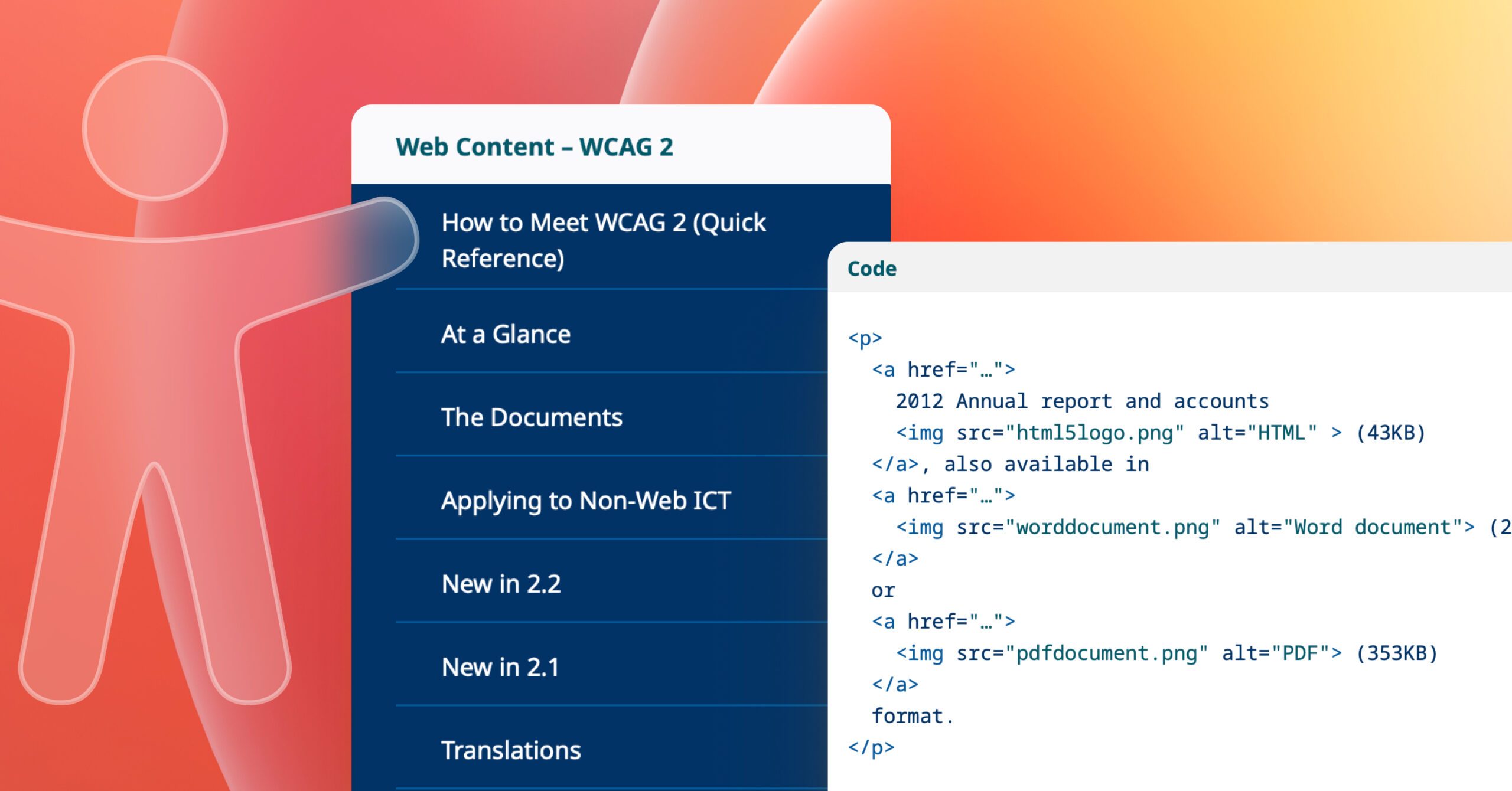
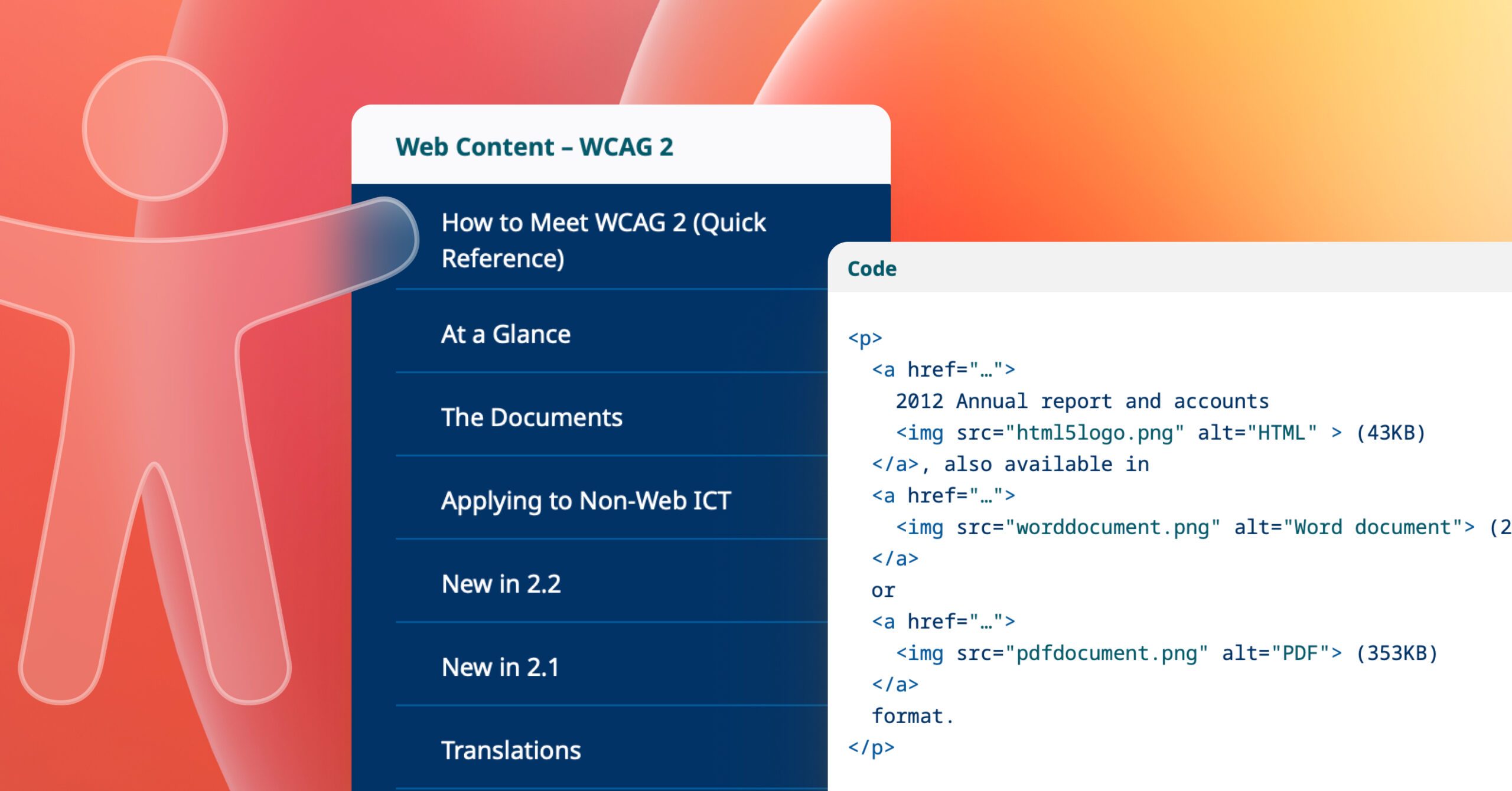
Web accessibility measures how easily people of all abilities can use and interact with a website. The [Web Content Accessibility Guidelines](https://www.w3.org/WAI/standards-guidelines/wcag/) (WCAG) define international standards across three levels: A, AA, and AAA. Today, most organisations use WCAG 2.2 Level AA as their baseline standard for creating accessible digital products.
Depending on your region and the nature of your website, such as whether it serves the public sector, specific accessibility requirements may be legally enforced. To confirm which standards apply to your business, consult reliable sources such as W3C’s [Accessibility Laws](https://www.w3.org/WAI/policies/) by country, or the [W3C Web Accessibility Initiative overview of WCAG 2.2](https://www.w3.org/WAI/standards-guidelines/wcag/new-in-22/).
###### **Key takeaways**
* WCAG 2.2 AA is the current global accessibility benchmark.
* Legal accessibility requirements vary by country and sector.
* Following WCAG ensures inclusivity and regulatory compliance.
#### Designing for accessibility
When designing for accessibility, focus on clarity, contrast, and consistency. Always ensure that text and background colours have enough contrast to be comfortably readable. Avoid ultra-thin typefaces that can make text difficult to distinguish. Avoid relying solely on colour to communicate meaning: use text, icons, or labels to reinforce visual cues.
Links within body text should be underlined or otherwise clearly distinguished so they’re immediately identifiable. Every page should include a clear, unique title using an <h1> heading, and input fields should have visible borders and corresponding labels to guide users. Navigation should be predictable and consistent, offering more than one way to find information, such as a main menu, a search field, and a sitemap.
All-caps text should be avoided, as it can reduce legibility and may interfere with screen reader pronunciation. Similarly, avoid animation or motion that users can’t pause, stop, or disable. Subtle motion can be effective, but only when it enhances rather than hinders the experience.
###### **Key takeaways**
* Prioritise sufficient colour contrast and clear text hierarchy.
* Don’t rely on colour alone to communicate meaning.
* Ensure links, labels, and headings are visually clear.
* Offer multiple, consistent navigation options.
* Avoid all-caps text and uncontrollable animation.
#### Using accessible fonts
Typography plays a crucial role in accessible design. Always use real, selectable text rather than embedding text in graphics or images. Choose fonts that are simple and highly readable, and limit the number of different fonts you use across a site to maintain visual harmony. Body text should generally be set at a minimum of 16 pixels or larger, depending on the typeface, to ensure comfortable reading.
Don’t rely solely on visual styling such as colour, weight, or placement to convey meaning. For example, avoid using colour alone to indicate required fields in a form. According to [WCAG 2.2](https://www.w3.org/TR/WCAG22/), users must be able to increase line height, letter spacing, word spacing, and paragraph spacing without loss of functionality or content, so designs should allow for this flexibility. Aim for line height around 1.5 times the font size and generous paragraph spacing to improve readability.
Before committing to brand colours, verify that all text—headings, body copy, and text placed over images—has sufficient contrast against its background. Proper colour contrast benefits everyone, not just those with visual impairments.
##### Recommended Fonts
For body text, use web-safe or system-native fonts that render consistently across browsers and devices. Sans-serif fonts like Arial, Helvetica, or Verdana are generally easier to read online than serif or decorative typefaces such as Times New Roman. Decorative or condensed fonts can still play a role in your design, but should be reserved for headlines or display use where short bursts of text are presented.
**Additional resources:**[Typefaces and Fonts – WebAIM](https://webaim.org/techniques/fonts/), [Say no to faux bold – A List Apart](https://alistapart.com/article/say-no-to-faux-bold), [Line Length Readbility – Baymard](https://baymard.com/blog/line-length-readability)
###### **Key takeaways**
* Use real, selectable text, not text in images.
* Stick with clean, legible fonts and minimal font variety.
* Keep body text at least 16px, with comfortable line spacing.
* Don’t rely on font style or colour alone for meaning.
* Check brand colours for adequate contrast before use.
#### Testing for colour contrast
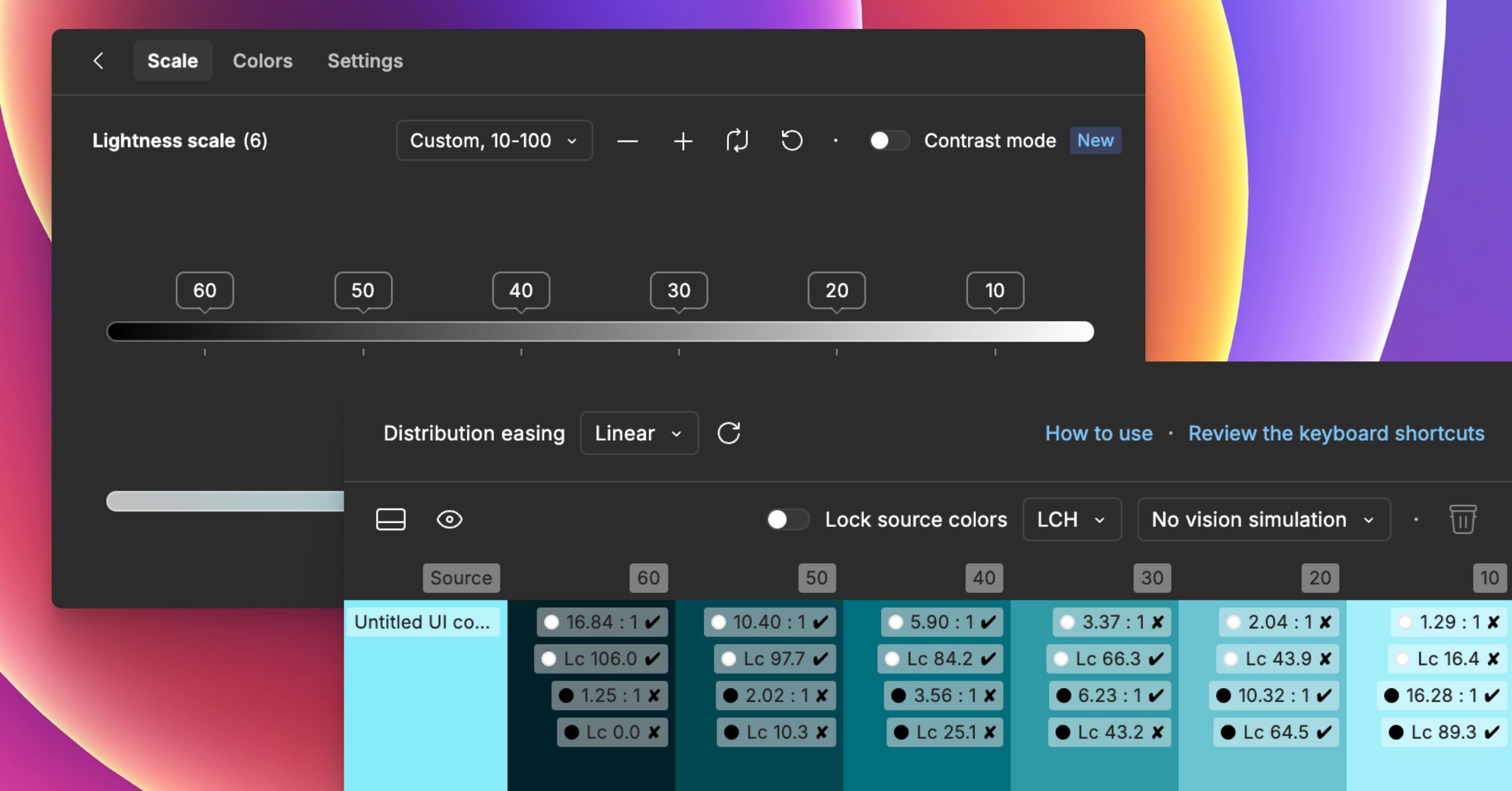
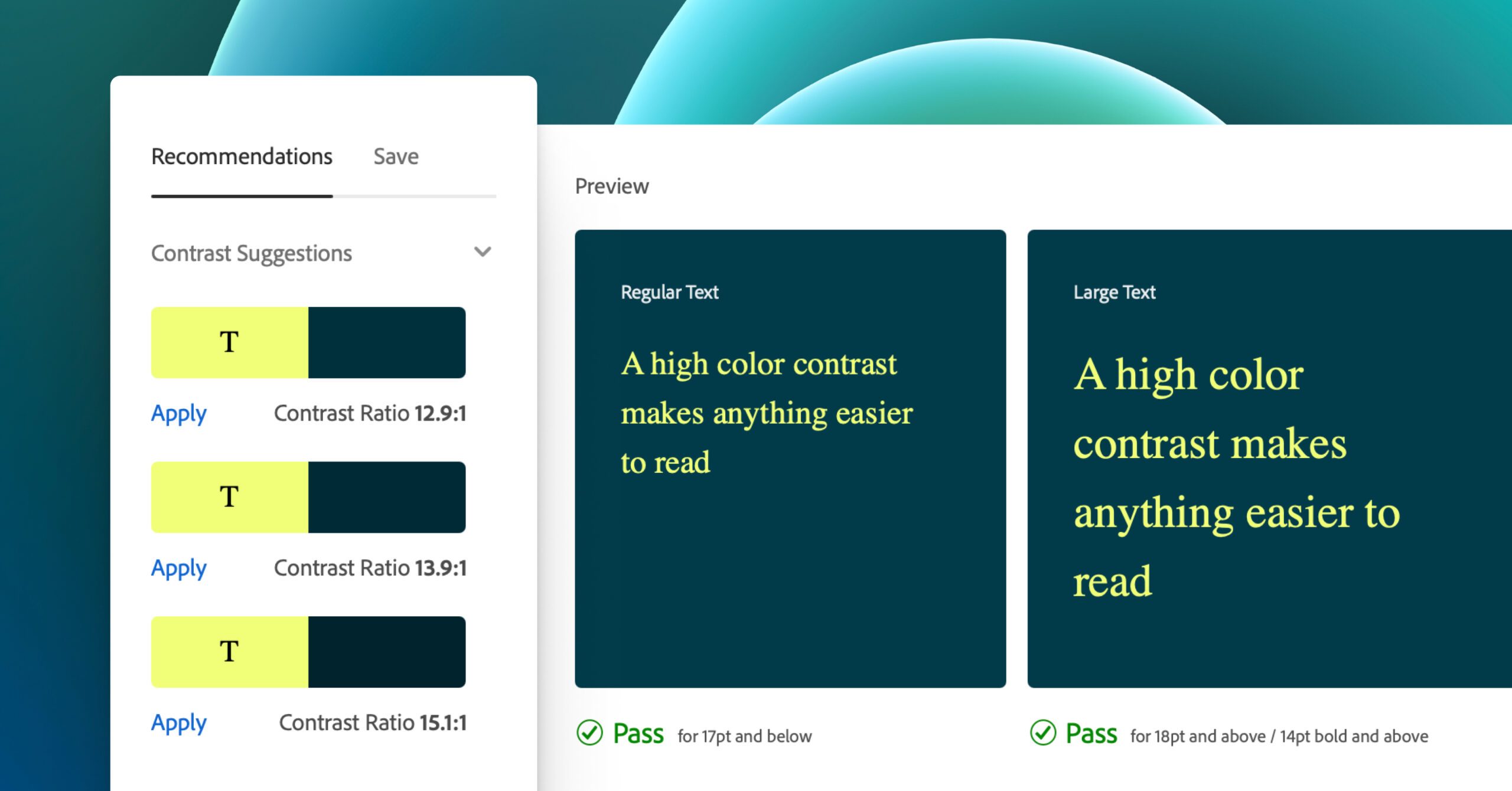
Accessibility testing should be an ongoing part of your workflow, from early design stages to final development. The contrast ratio between text and its background is a key factor in readability. For normal text, the contrast ratio should be 4.5:1 or higher, while large text (24 pixels regular or 19 pixels bold) should meet a minimum contrast of 3:1. WCAG 2.1 added the additional success criterion of [non-text contrast](https://www.w3.org/WAI/WCAG22/Understanding/non-text-contrast.html), which requires UI controls and meaningful graphics, i.e. icons, form-field borders, etc., to have a minimum contrast ratio of 3:1. These ratios ensure text remains legible for users with low vision or colour blindness.
Note that these rules do not apply to text within logos or decorative brand marks, though maintaining good contrast there still improves overall visual impact.
Several free tools can help you evaluate colour contrast: [WebAIM Contrast Checker](https://webaim.org/resources/contrastchecker/) is a simple and reliable web-based tool; [Contrast Grid](https://contrastgrid.com/) allows you to compare multiple colours at once; [TPGi’s Color Contrast Analyzer](https://www.tpgi.com/color-contrast-checker/) works well for desktop testing; and plugins like [Stark](https://www.getstark.co/) integrate directly into Figma, Sketch, and Adobe XD for in-app accessibility checking. For designers on macOS, [Sim Daltonism](https://michelf.ca/projects/sim-daltonism/) simulates colour blindness to help you visualise how your designs appear to users with different types of colour vision.
###### **Key takeaways**
* Test accessibility throughout the entire design and build process.
* Maintain a minimum 4.5:1 contrast for normal text and 3:1 for large text and non-text content.
* Exclude logos from contrast rules, but keep them readable.
* Use reliable contrast-checking tools during design.
#### Additional resources to help you nail accessibility
If you want to explore accessible design in greater depth, there are many excellent resources that provide both inspiration and practical guidance. A great place to start is W3C’s [Designing for Web Accessibility resources](https://www.w3.org/WAI/tips/designing/), while [Inclusive Components](https://inclusive-components.design/) and Heydon Pickering’s [*Inclusive Design Patterns*](https://www.amazon.co.uk/Inclusive-Design-Patterns-Heydon-Pickering-ebook/dp/B01MAXK8XR) offer in-depth looks at accessible UI patterns. The [Inclusive Design Checklist](https://github.com/Heydon/inclusive-design-checklist) provides a straightforward way to evaluate accessibility throughout your workflow. Microsoft’s [Accessible design toolkit](https://www.figma.com/community/file/1327037919540849715) offers checklists on top accessibility/usability tenets and more.
For a broader overview, the article [7 Things Every Designer Needs to Know About Accessibility](https://github.com/Heydon/inclusive-design-checklist) by Jesse Hausler remains a great introduction. For content creators, Sami Keijonen’s guide on [Writing Accessible Content](https://foxland.fi/writing-accessible-content/) offers clear, actionable advice.
You may also find [6 Principles of Visual Accessibility Design](https://usabilitygeek.com/6-principles-visual-accessibility-design/) by Jenna Erickson and [Designing for Accessibility: Colour Contrast](https://uxdesign.cc/the-easiest-part-about-designing-accessible-websites-76cd6b9a7ae4) by Neil Shankar helpful for understanding visual design nuances. Vitaly Friedman’s [Designing For Neurodiversity](https://www.smashingmagazine.com/2025/06/designing-for-neurodiversity/) article provides solid practical guidance on inclusion and support for neurodiverse users. Finally, [*Accessibility for Everyone*](https://abookapart.com/products/accessibility-for-everyone) by Laura Kalbag, along with the resources from [WebAIM](https://webaim.org/techniques/fonts/) and [Penn State Accessibility](https://accessibility.psu.edu/legibility/fontface/), remain foundational reads for anyone committed to creating inclusive digital experiences.
###### **Key takeaways**
* Explore deeper design patterns from trusted accessibility experts.
* Use checklists to review accessibility throughout design.
* Stay updated with modern, maintained resources.
* Keep accessibility learning ongoing—it evolves with technology.
#### Conclusion
Accessible design isn’t a one-off checklist to complete; it’s an ongoing commitment to creating digital experiences that welcome everyone. As design standards evolve, so should our practices. Keep learning, testing, and iterating. Small, consistent improvements, like adjusting contrast, improving typography, or writing clearer content, can make a significant impact on how people experience the web. Let’s be part of the change we want to see.
**Learn how your site’s accessibility could be improved with a [WordPress Accessibility Audit](https://humanmade.com/wordpress-audits/accessibility-audit/) from Human Made.**, Accessible Design: A Process, Gianna Legate, 01k80w2wpacp06y6ar7tczkkm0.