Accessible Design Systems: Scaling Inclusive Design

## Metadata
- Author: [[Paweł Mikołajek]]
- Full Title: Accessible Design Systems: Scaling Inclusive Design
- Category: #articles
- Document Note: ---
tags: [accessibility, design systems, WordPress]
author: Paweł Mikołajek
source: Human Made
reference: [https://humanmade.com/accessibility/accessible-design-systems-scaling-inclusive-design/]
date created: 2025-10-21 12:00
---
# 🏷️ Title: Accessible Design Systems: Scaling Inclusive Design
## 🧭 Table of Contents
- [📝 Summary](#-summary)
- [📖 Main Content](#-main-content)
- [🗒️ Notes](#️-notes)
- [📚 References](#-references)
- [🗣️ Paraphrase](#️-paraphrase)
- [📰 Newsletter](#-newsletter)
- [✅ Action Items](#-action-items)
- [🧪 Hypotheses](#-hypotheses)
- [📊 Methodology](#-methodology)
- [❓ Questions](#-questions)
- [🔮 Future Research](#-future-research)
- [💡 Implications](#-implications)
- [🧠 Learning Styles Assessment](#-learning-styles-assessment)
- [📊 Accessibility Assessment](#-accessibility-assessment)
- [🌍 DEIB Assessment](#-deib-assessment)
- [✅ Logical Validity](#-logical-validity)
- [🛡️ DARVO Analysis](#-darvo-analysis)
- [🎯 Conclusion](#-conclusion)
### 🔗 References
- Include links cited in or relevant to the article.
## 📝 Summary
- What happened: The article argues that embedding accessibility into design systems enables compliant, user-friendly experiences at scale, with examples from leading systems.
- Why it matters: Centralizing accessible components reduces regressions, speeds delivery, and lowers maintenance while improving inclusion.
- Key stakeholders: Product/design/engineering leaders, accessibility specialists, WordPress teams, enterprise site owners.
- Risks and tradeoffs: Over‑rigidity versus flexibility; overreliance on automation without human testing; governance overhead.
- Bottom line: Treat accessibility as a continuous, systematized practice—adopt principles and processes, not just components.
## 📖 Main Content
- Core arguments:
- Design systems “democratise inclusive design” by baking best practices into reusable parts and workflows.
- Benefits: consistency, scalability, efficiency, and seamless integration into delivery.
- Ten exemplar systems highlight practices: robust docs, testing protocols, tokens, focus management, contrast, and multimodal design.
- For WordPress, leverage block patterns, custom blocks, and shared standards; adapt methodologies rather than copy-paste.
- Context/definitions:
- WCAG: international accessibility standard for web content.
- ARIA: attributes that improve accessibility for assistive technologies.
- Design tokens: platform-agnostic variables (e.g., color, spacing) ensuring consistent accessible defaults.
- Uncertainties:
- Organization-specific governance maturity and resourcing.
- Variability across assistive tech/browser combos necessitating ongoing validation.
### 🗒️ Notes
- Design systems as single source of truth for accessibility; reduce long-term costs.
- Why they matter: consistency, scalable compliance, efficiency, integrated workflows.
- Exemplars and standouts:
- GOV.UK: user research with disabled users; keyboard/screen reader guidance.
- IBM Carbon: ARIA, contrast tools, cross-discipline responsibilities.
- Salesforce Lightning: explicit accessibility annotations; AT/browser matrices.
- Microsoft Fluent: motion sensitivity, touch, magnification.
- Material 3: focus indicators, larger targets, contrast, motion guidance.
- Atlassian: practical “do/don’t,” tokens for contrast/spacing.
- Shopify Polaris: conversion-critical e‑commerce accessibility.
- Adobe Spectrum: focus management, contrast for complex UIs.
- GitHub Primer: semantic foundations, progressive enhancement, a11y testing.
- BBC GEL: i18n, multimedia inclusivity (subs, audio descriptions, sign language).
- Learn how they test, document, and balance flexibility vs. consistency.
- WordPress: block-based architecture fits design-system thinking; adopt principles, document standards, govern.
## 📚 References
- GOV.UK Design System: https://design-system.service.gov.uk/
- IBM Carbon: https://carbondesignsystem.com/
- Salesforce Lightning Design System: https://www.lightningdesignsystem.com/
- Microsoft Fluent: https://fluent2.microsoft.design/
- Material Design 3: https://m3.material.io/
- Atlassian Design System: https://atlassian.design/
- Shopify Polaris: https://polaris.shopify.com/
- Adobe Spectrum: https://spectrum.adobe.com/
- GitHub Primer: https://primer.style/
- BBC GEL: https://www.bbc.co.uk/gel
- WCAG 2.2: https://www.w3.org/TR/WCAG22/
- WAI-ARIA: https://www.w3.org/TR/wai-aria-1.2/
- WordPress Gutenberg: https://wordpress.org/gutenberg/
## 🗣️ Paraphrase
- Paragraph A: Accessible design systems embed best practices into components and patterns so teams can ship inclusive interfaces reliably and at speed.
- Paragraph B: Study leading systems’ testing, documentation, and principles; for WordPress, adapt their methodologies into your blocks, patterns, and governance.
## 📰 Newsletter
- This week: Building accessibility into your design system pays dividends—fewer regressions, faster launches, happier users. Learn from GOV.UK, Carbon, Polaris, and more to shape WordPress blocks and patterns that meet WCAG by default.
- Resources:
- GOV.UK’s component guidance showcases real-world keyboard/AT behavior.
- Carbon and Primer model strong docs and automated checks.
- Material 3 and Fluent highlight motion, color, and touch targets.
- WordPress angle: Use block variations, theme.json, and design tokens to enforce contrast, spacing, and focus states across brands. See Gutenberg: https://wordpress.org/gutenberg/ and WCAG 2.2: https://www.w3.org/TR/WCAG22/.
## ✅ Action Items
#### DevRel
- Publish a11y-ready block examples and quickstarts; demo keyboard/AT behavior.
- Run office hours on tokens, focus management, and testing tools.
- Create “a11y checklists” for SDKs/templates; add CI examples.
#### OSPO
- Define contribution/accessibility policies; require a11y review gates.
- Integrate license/compliance scans with a11y CI baselines.
- Maintain SBOM plus a11y-dependency checks; set freshness SLOs.
#### Community
- Host roadmap clinics on inclusive components; pair on first-issue a11y bugs.
- Fund assistive tech testing sprints; publish impact reports.
#### WordPress
- Core: enforce focus-visible, target sizes, and semantic HTML patterns.
- Core Performance: monitor contrast-related regressions alongside perf budgets.
- Core AI: require a11y evaluations for AI-generated UI.
- Core Program Team: align a11y SLAs across teams; quarterly retros.
- Mobile: verify reflow, hit targets, and system font scaling.
- Playground: labs for keyboard nav and AT combinations.
- Community/Training: meetup kits; WCAG workshops; certification pilots.
- Marketing/Support: a11y narratives; KB gaps on AT usage.
- Design: tokenized contrast/focus; research backlog for cognitive load.
- Documentation: examples-first patterns with a11y callouts.
- Accessibility: audits cadence; issues heatmap; tooling guide.
- Meta/CLI/Hosting/Tide/Openverse/Themes/Plugins: add a11y checks, score transparency, provenance, and review throughput improvements.
#### The WPCC
- Microgrants for maintainers to refactor components with tokens.
- Governance clinics; release teams include an a11y lead.
- Publish transparent milestone-based funding outcomes.
### FAIR
- Independence: signed design-token releases; provenance checks.
- Policies: anti-capture charters; public funding disclosures.
- Governance artifacts: reusable contribution charters and scorecards.
## 🧪 Hypotheses
- Teams using tokenized accessible components ship fewer a11y regressions per release.
- Human-in-the-loop AT testing catches ≥30% of issues missed by automation.
- Centralized docs with “do/don’t” reduce a11y-related PR cycle time by ≥20%.
- Multimodal guidance (motion, touch, magnification) improves task success for mobile users by ≥15%.
### 📊 Methodology
- A/B teams: tokenized components vs. ad hoc; track regression rates and MTTR.
- Pre/post adoption of docs patterns; measure PR cycles and defect density.
- Usability tests across AT/browser matrices; compare task success and errors.
- Mobile field studies on touch targets/motion settings; analyze completion rates.
### ❓ Questions
- What’s the minimal governance to kee
- Summary: Explore the benefits of an accessible design system for creating compliant and user-friendly digital experiences at scale.
- URL: https://humanmade.com/accessibility/accessible-design-systems-scaling-inclusive-design/
Art, Graphics, Logo
Design systems have become one of the most powerful ways to deliver accessible digital experiences at scale. By embedding accessibility best practices directly into reusable components and patterns, they democratise inclusive design, helping teams build compliant, user-friendly interfaces without requiring every developer to be an accessibility specialist.
For enterprise WordPress implementations, design systems do more than improve efficiency. They act as a single source of truth for accessibility standards, ensuring [Web Content Accessibility Guidelines (WCAG)](https://www.w3.org/WAI/standards-guidelines/wcag/) compliance across multiple sites and brands while accelerating delivery and reducing long-term maintenance costs.
#### Why Design Systems Matter for Accessibility
**Consistency**: Design systems solve accessibility challenges once, thoroughly and correctly, and then distribute those solutions across every use case. This eliminates the risk of inconsistency or regression as projects grow.
**Scalability**: When accessibility is built into reusable, tested components, compliance naturally scales. Teams can launch new products and sites confident that accessibility is already part of the foundation.
**Efficiency**: Accessible components consolidate years of accessibility research, testing, and refinement. Teams can focus on innovation rather than recreating solutions that already exist.
**Integration**: A robust design system weaves accessibility into every stage of design and development. Accessibility becomes part of the workflow rather than an afterthought at the end of a sprint.
#### 10 Leading Accessible Design Systems
These design systems demonstrate accessibility leadership and provide valuable lessons for WordPress teams building enterprise-level, inclusive experiences.
Widely recognised as a benchmark for accessibility in the public sector, the GOV.UK Design System is grounded in extensive user research, including with disabled users. Each component includes detailed guidance on keyboard interaction, screen reader behaviour, and implementation, ensuring real-world usability.
IBM Carbon offers comprehensive guidance for designers, developers, and content authors. Its documentation covers ARIA usage, colour contrast tools, and testing methodologies, embedding accessibility as a shared responsibility across disciplines.
[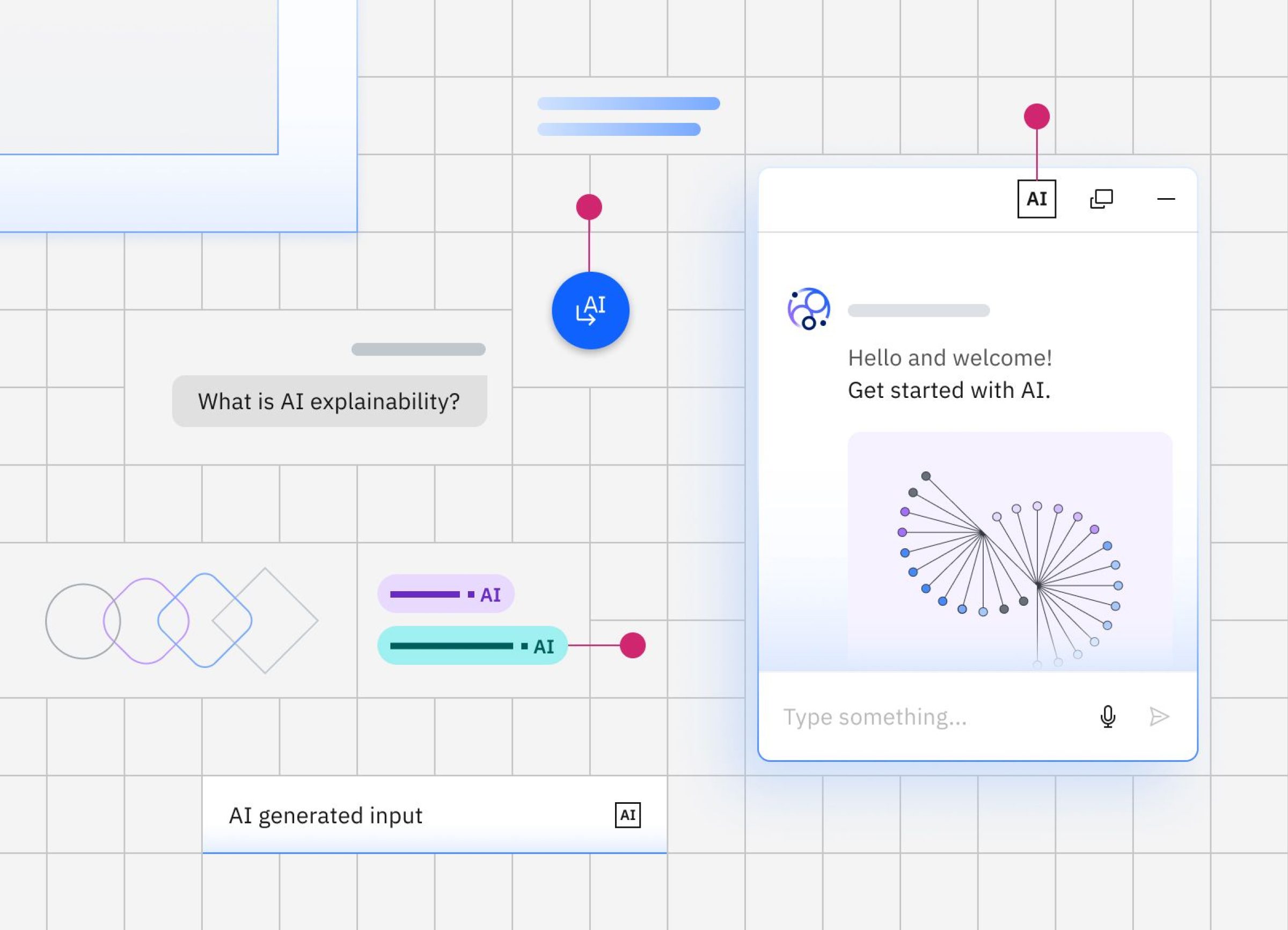](https://carbondesignsystem.com/)[User interface of IBM's Carbon, an accessible design system](https://carbondesignsystem.com/)
Created for complex enterprise applications, Lightning serves as a model for accessible, data-rich interfaces. Its design specifications include explicit accessibility annotations that set a high standard for transparency and clarity.
Fluent prioritises adaptive, multimodal interfaces that account for motion sensitivity, touch interaction, and magnification. Its attention to sensory accessibility reflects an evolving, holistic understanding of user needs.
[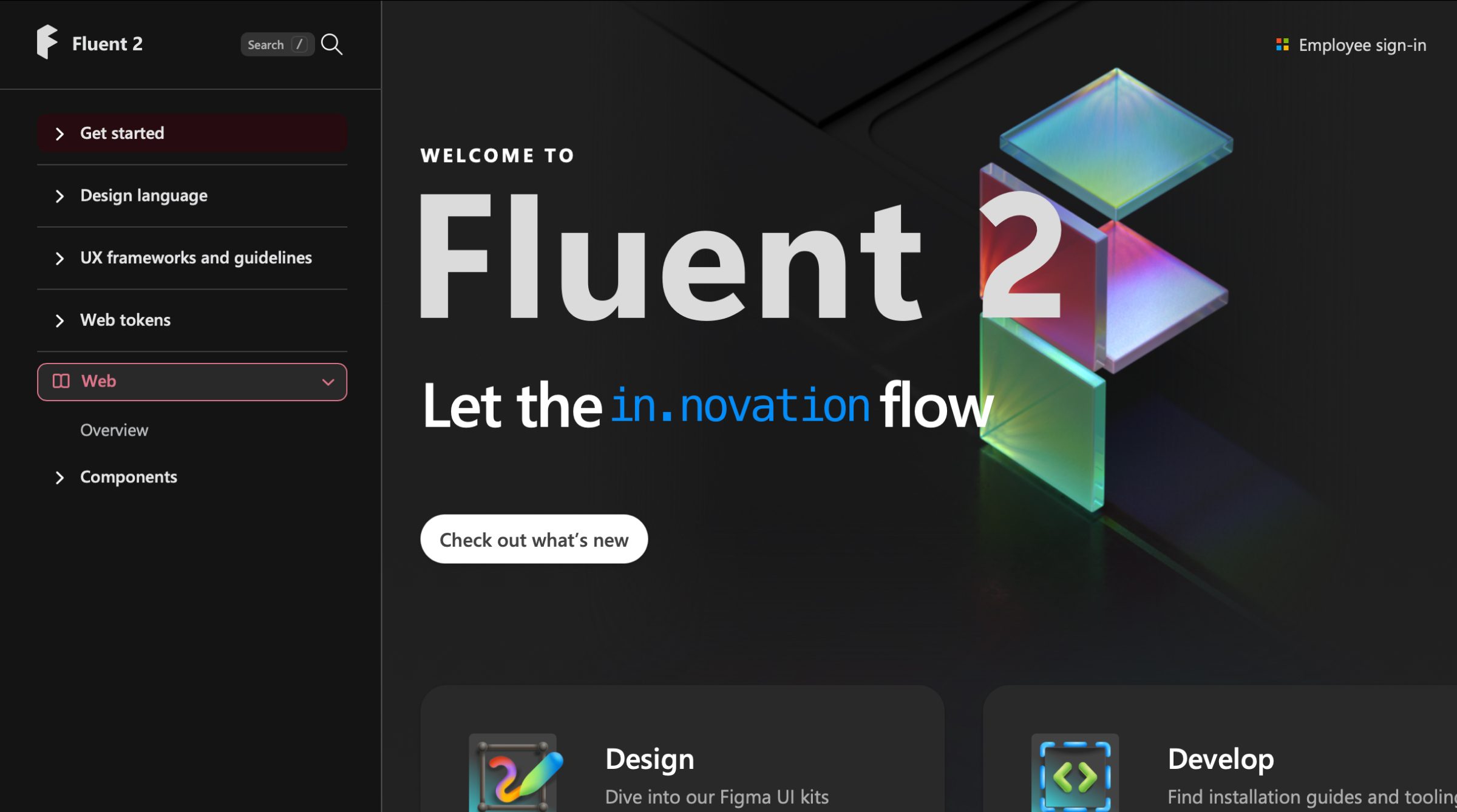](https://fluent2.microsoft.design/)[User interface of Microsoft's Fluent accessible design system](https://fluent2.microsoft.design/)
Material Design 3 introduced significant accessibility improvements such as enhanced focus indicators, larger touch targets, and improved contrast. Its guidance on motion and semantic colour use supports accessible visual design at scale.
Atlassian’s documentation is practical and detailed, with examples of common pitfalls and clear “do and don’t” guidance. Its design tokens enforce consistent colour contrast and spacing, helping teams prevent regressions across products.
Polaris takes a merchant-first approach, focusing on accessible e-commerce patterns such as product galleries and checkout flows. It shows how accessibility can enhance conversion-critical user journeys.
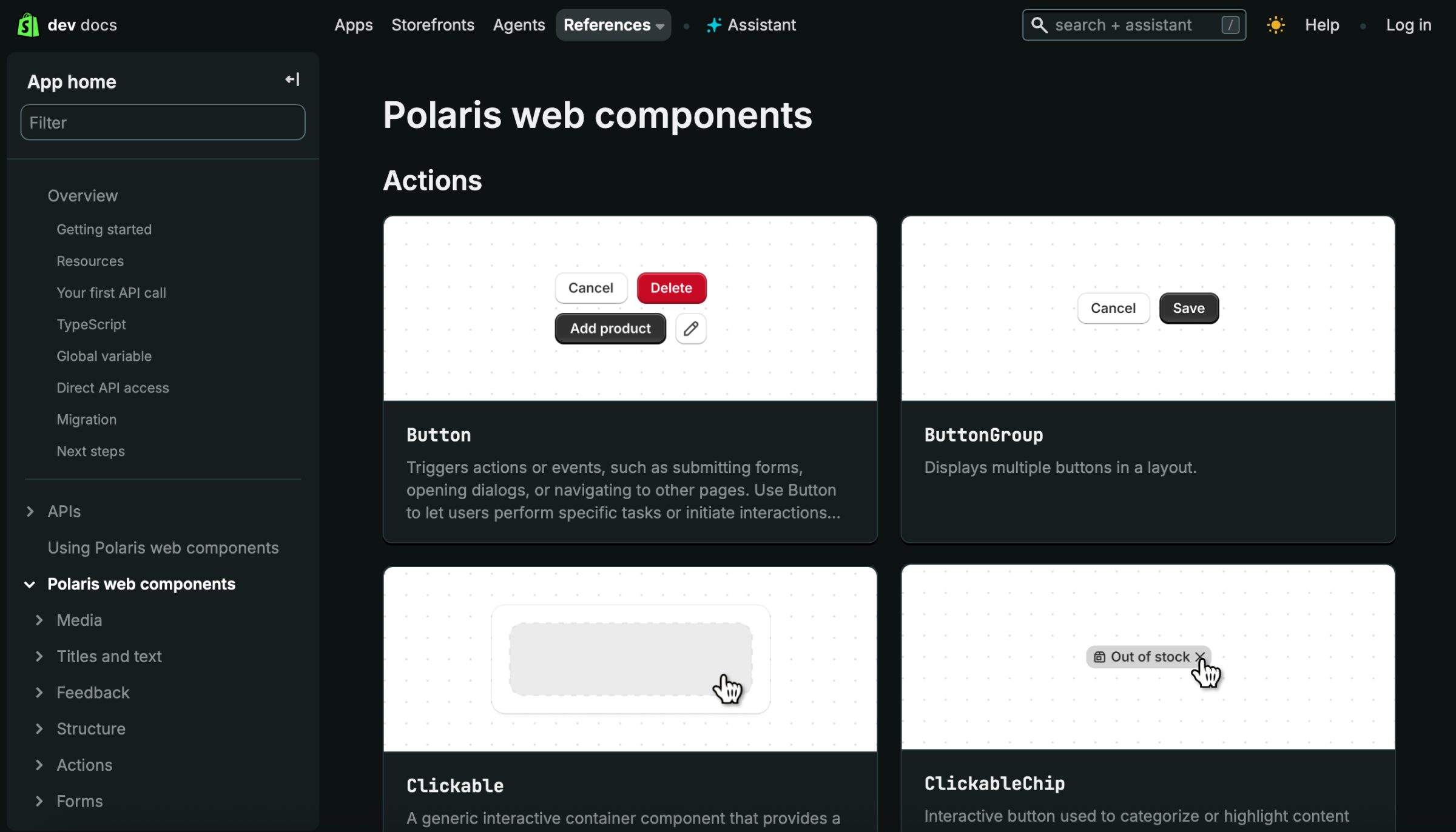User interface of Shopify's Polaris accessible design system
Spectrum tackles the unique accessibility challenges of creative and complex interfaces. Its detailed approach to focus management and colour contrast supports usability in sophisticated tools such as editors and dashboards.
Primer is deeply developer-focused and built on strong semantic foundations. It emphasises progressive enhancement, assistive technology documentation, and automated accessibility testing, helping maintain quality in open-source environments.
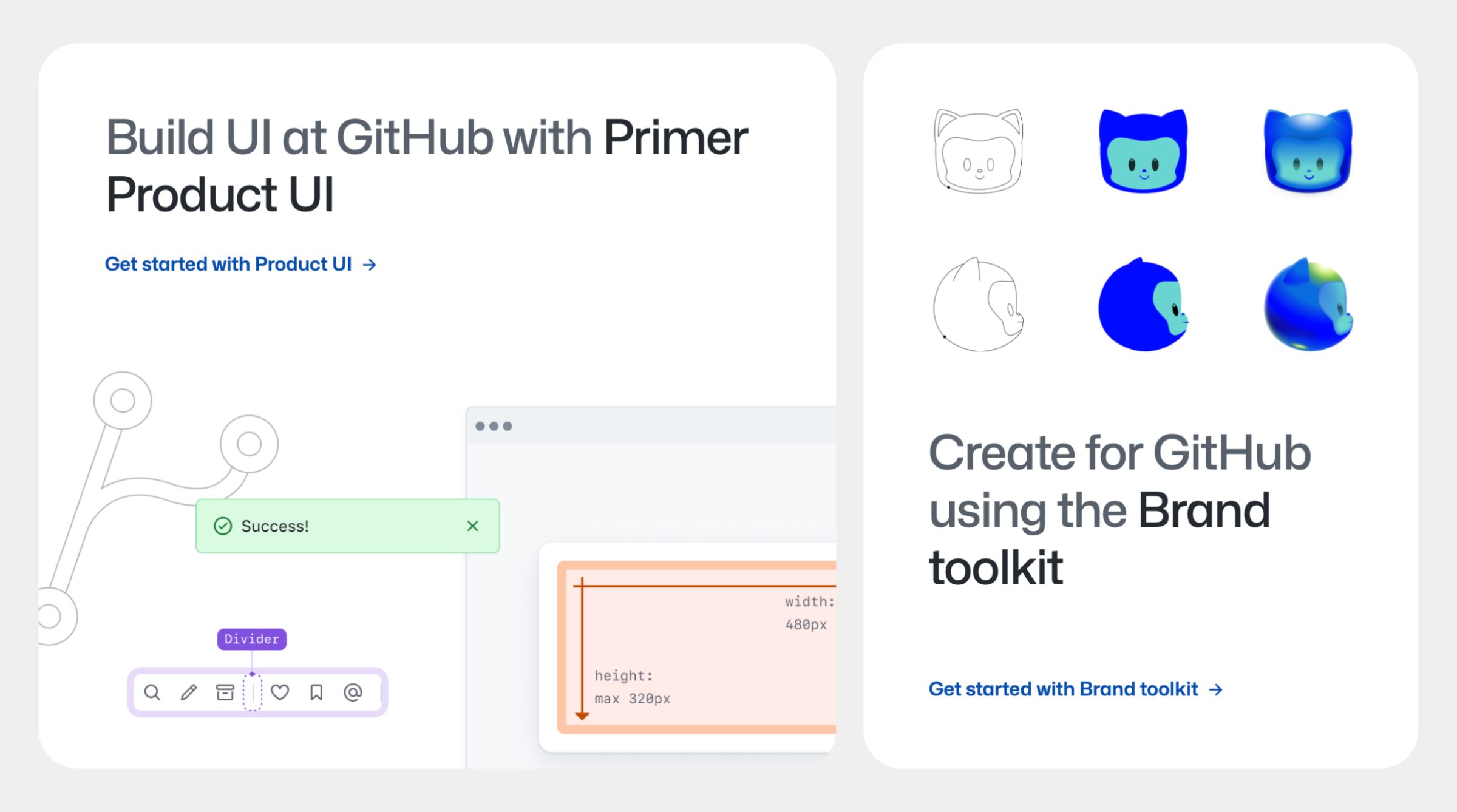User interface of GitHub's accessible design system Primer
The BBC’s GEL looks beyond visual accessibility to include internationalisation and multimedia inclusivity. It provides guidance on subtitles, audio descriptions, and sign language, making it a model of research-led, holistic accessibility.
#### How to Learn from These Accessible Design Systems
When exploring these systems, focus not only on what they include but also on how accessibility is embedded into their processes and decision-making.
Study these systems for:
**Testing protocols** Strong accessibility practice goes beyond automated testing. GOV.UK tests with real users. Carbon mandates full keyboard testing for all states. Salesforce specifies the screen reader and browser combinations to be tested. Look for frameworks that prioritise human-centred testing and repeatable, documented validation.
**Documentation methods** The best design systems make accessibility documentation easy to find and understand. Spectrum provides inline ARIA examples. Primer includes visual “do and don’t” patterns. GEL offers live screen reader demos. Good documentation clearly separates design, development, and content guidance to ensure clarity across teams.
**Balance between flexibility and consistency** A mature system allows creative flexibility without compromising accessibility. Polaris enforces colour contrast, Fluent maintains touch target sizes, and Material safeguards semantic HTML. These strong defaults create dependable foundations while allowing thoughtful customisation.
**Accessibility Principles, Not Just Components** Accessibility is as much about philosophy as it is about execution. The BBC aligns its guidelines with WCAG principles. Atlassian addresses cognitive load and clarity. Carbon embraces the social model of disability. Understanding these principles helps WordPress teams make sound accessibility decisions even when established patterns do not apply directly.
For WordPress development, adapt these patterns rather than wholesale adoption. Focus on understanding the underlying accessibility methodologies.
#### Applying Accessibility Principles in WordPress
WordPress’s block-based architecture aligns naturally with design system thinking. Reusable, accessible components, such as custom blocks or theme patterns, can help maintain compliance across enterprise-scale sites.
Rather than copying an existing design system, focus on adapting its methodologies. Study how accessibility is embedded into documentation, testing, and governance. Establish shared accessibility standards across your own teams, and make them part of your design and development culture.
#### Building an Accessible Future in WordPress
Accessibility is not a one-off task but an ongoing commitment. As our understanding of inclusive design evolves, our systems and standards must evolve too. Learning from these leading design systems helps us contribute our own advancements to the open-source ecosystem.
Design systems do not only make development faster: they make it fairer. They help ensure that everyone, regardless of ability, can participate fully in the digital experiences we create. That is the promise of inclusive design at scale, and it begins with systems designed to include everyone., Accessible Design Systems: Scaling Inclusive Design, Paweł Mikołajek, 01k83bngt7rp8dmhjswgw9z6yr.