Add WordPress Coding Standards to NetBeans
![rw-book-cover]()
🔗 **Source:** [Add WordPress Coding Standards to NetBeans](https://wptavern.com/add-wordpress-coding-standards-to-netbeans)
> [!note]+ Document Notes
> ---
> tags: [netbeans, wordpress-development, wordpress-coding-standards, ide, wp-tavern-archive, wp-tavern-2014]
> author: Sarah Gooding
> source: WP Tavern
> reference: https://wptavern.com/add-wordpress-coding-standards-to-netbeans
> date created: 2026-04-17 12:26
> ---
> # Add WordPress Coding Standards to NetBeans
> ## 📝 Summary
> - PHP developer Leon Rowland created a NetBeans settings package that enforces WordPress Coding Standards for PHP, JavaScript, and CSS.
> - NetBeans ranks as the third most popular IDE among PHP developers, and this tool makes it more WordPress-friendly without requiring official IDE support.
> - Leon Rowland is the creator; the project was inspired by similar Laravel 4 settings for NetBeans.
> - WordPress developers using NetBeans can now easily import official coding standards by downloading and installing a settings file from GitHub.
> ## 💬 Comments (0)
> No comments.
> ---
[](https://wptavern.com/wp-content/uploads/2014/09/wp-netbeans.jpg)
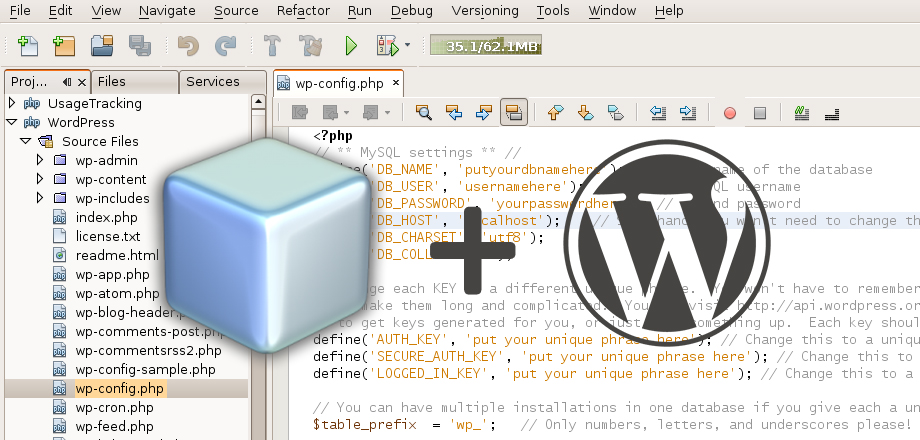
The open source [NetBeans](https://netbeans.org/) IDE has support for several different languages and frameworks and a worldwide community of developers who depend on it to code more efficiently. A recent [survey](http://www.sitepoint.com/best-php-ide-2014-survey-results/) conducted by SitePoint placed NetBeans as the third most favored IDE among PHP developers, capturing 15.6% of the votes, trailing not far behind Sublime Text at 18.5%. PhpStorm locked up nearly 40% of those surveyed and recently [added official support for WordPress](https://wptavern.com/phpstorm-8-to-add-official-support-for-wordpress).
WordPress developers who favor NetBeans as their IDE of choice can install a set of preferences that will help make their development environments a little more WordPress-friendly. Inspired by the [NetBeans Settings for Laravel 4](https://github.com/mrjxn/NetBeans-Settings-For-Laravel4), PHP developer [Leon Rowland](http://leon.rowland.nl/) decided to create [NetBeans WordPress Coding Standards](https://github.com/zogot/NetBeans-WordPress-Coding-Standards). It adds all the necessary settings for having your projects follow [WordPress Coding Standards](http://make.wordpress.org/core/handbook/coding-standards/).
[](https://wptavern.com/wp-content/uploads/2014/09/netbeans-wordpress-coding-standards.png)
Rowland created the settings separately, because NetBeans doesn’t yet support a proper export of sub categories (PHP, JavaScript, etc). To use it, simply download the zip file from GitHub and import it at **Netbeans > Preferences**. Your NetBeans setup will now correctly get the PHP, JavaScript, and CSS Coding Standards as defined in the WordPress Handbook.
Rowland notes one small exception in the formatting – it doesn’t correctly account for spaces before JavaScript variables inside callbacks but not functions. Overall, the [settings pack](https://github.com/zogot/NetBeans-WordPress-Coding-Standards) puts WordPress developers in a good place for using NetBeans while following the project’s official coding standards. It’s inspiring to see more WordPress tools and support availalbe for the most popular PHP IDEs. Any NetBeans fans have more WordPress-related tools to share?
Category: [News](https://wptavern.com/category/news)Tags: [netbeans](https://wptavern.com/tag/netbeans), [wordpress development](https://wptavern.com/tag/wordpress-development), Add WordPress Coding Standards to NetBeans, Sarah Gooding, 01kpe47raddb5a7maw52w6meh6.