YouTube Video ciG0U5jJtHY
## Metadata
- Author: [[YouTube]]
- Full Title: YouTube Video ciG0U5jJtHY
- Category: #articles
- Document Tags: [[design]] [[testing]] [[workflow]]
- Summary: YouTube Video ciG0U5jJtHY
- URL: https://www.youtube.com/watch?v=ciG0U5jJtHY&embeds_referring_euri=https%3A%2F%2Fpenpot.app%2F&source_ve_path=MjM4NTE&themeRefresh=1
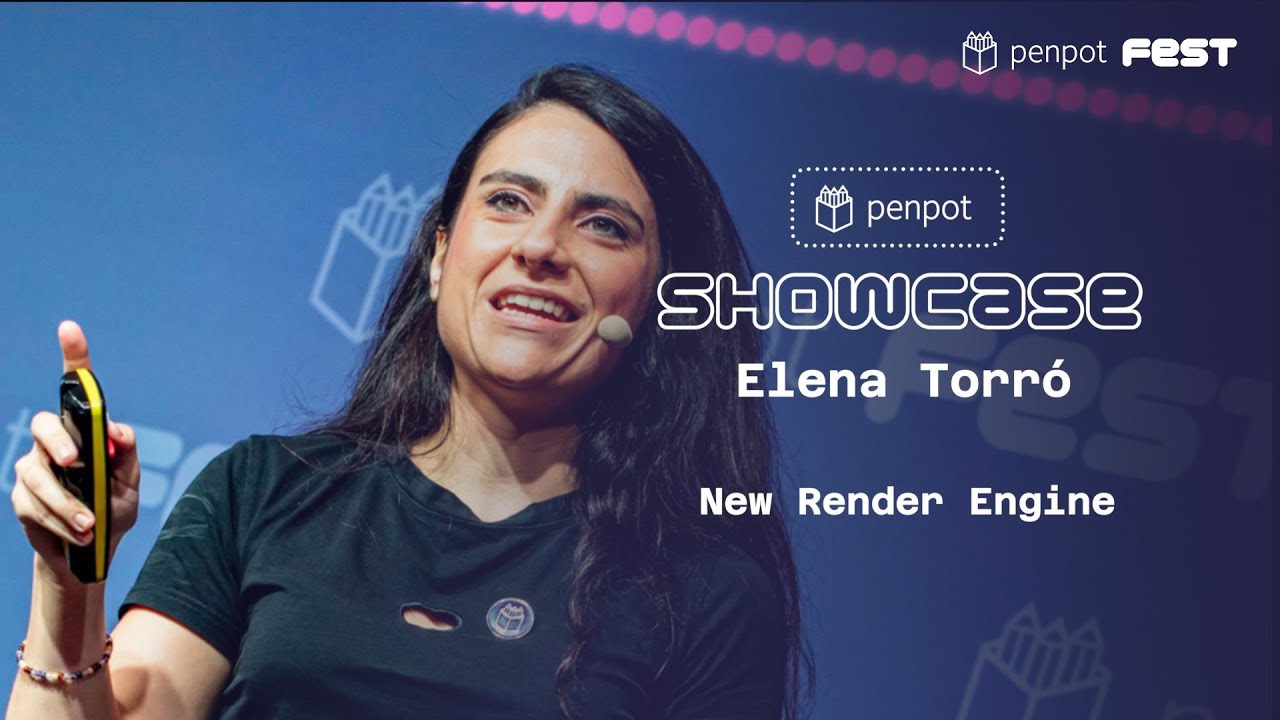
Okay. Did you listen to me well? My voice is a little bit off because yesterday I was having so much fun talking to all of you, so I'm sorry for that. Yeah, I'm Elena, and I'm working on the team that is building the new render engine, and I'm going to be talking about it today. So one year ago, we published this blog post, and we said that
it's time for Penpot to move away almost from the DOM. And long story short, right now, our render is an SVG render, right, which is a standard, it works great, but in terms of performance, it doesn't scale that well. So that's why we needed to think of a different solution that works faster. So I'm going to get a little bit techy on
this. I'm going to talk to you about the technologies that we are using. We decided to use the Skia library, which is a 2D graphics open source library that is widely used for, well, in many projects such as Chrome, Android, Flutter, and LibreOffice as well, if I remember correctly. So that's why we chose it, because it had, like, anything that we needed, so we didn't have to reinvent the wheel. And yeah, and the project is very mature. And we are also using WebAssembly,
which is like a low-level assembly language, and it runs, let's say, near native performance directly on the browser. So it works like this. We can use directly the Skia functions that we are using for rendering different shapes directly from the browser through WebAssembly super fast. Okay, so what has this helped us to do? Well, basically,
right now, our rendering system relies on, let's say, cached images when it comes to fixed performance bottlenecks. So we are not going to need that anymore because we have built our own tile system, which is developed directly within the render. So we don't have to, like, rely on external stuff for caching and for improving performance. And it has unlocked many things. So
we have a couple of videos to compare, in this case, how the performance has improved. I don't know if we can, like, see the videos, but in any case, if we take a look, yeah, here it is. So this is the current render. So you can see that the quality of the image is not, like, super great. The frames per second are, like, a bit bumpy. So with the current one, if we take a look at it, we
are going to see that it is not only, like, you know, you can see that it has a better quality. It's way smoother. It works faster as well. So, yeah, that's it. Okay. Okay. Of course, a lot of you have been asked about bugs or issues that we had. So what we are doing is to fix them directly in the new render. So, like, I don't know, shadows clipping and some stuff that we can, like, it
makes no sense to fix it in the current render since we are developing a new one. So we are including them directly there. And I'm quite proud of this one because, you know, I love emoji. I think that most of us love emoji. And, you know, text rendering, it's hard. So if you see those images, we can see that the font that we are using is different. That is because our current render
relies on the font fallback from the browser directly. So when you use Penpot on different operating systems, what happens is that you are gonna see probably different stuff. And we wanted to unify that. So that's why we have implemented our own font fallback. And it also means that although we are now using a default emoji font, you can upload your own font and use it directly, which is kind of cool. And it also means that this is not longer going to happen
because if you have tried to export files with emoji or with other symbols, that might happens because right now we are using a headless browser to render in those kinds of exports, which is also like a common way right now to do that kind of things. But now, since we are already using SKIA, which exports also different image formats and so on, we can use that for exporting images. So
you're not gonna see that anymore and you will always be exporting the same. And this means that we can also start adding more features to what we have. So we have a little video as well because one of the demanded features that we had was text to path. So you can like directly build your own icons on Penpot. So yeah, I can see some excitement here.
Yeah, and we will bring also the so demanded background blur filter as well. So, well, does it mean that there's anything that is gonna change? Well, actually, no, because we are keeping our core values, right? So you will be able to export your code just like we are doing right now. So the new render, it only affects visuals and the way you work with the application, nothing else. Everything is gonna be the same. You can still
export into SVG. So we are being consistent. We are going to use the same data model. It doesn't affect our APIs or whatever. So yeah, don't worry about that. And you may be wondering, okay, so what's next? So the team is working hard on a lot of stuff, like, for example, integrating the text editor within the new render. But we can announce to you that in the upcoming weeks, we are going to publish a public beta version. So you can all
test it out. Yeah, and that's it. Thank you very much., YouTube Video ciG0U5jJtHY, YouTube, 01kagqmaxw3kqzfct7a5k61j1h.